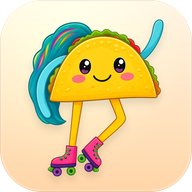



Taco The Friend
Skates everywhere
Warm, playful and always on your side. Taco cheers for every sip of water and will happily skate a lap while you stretch.
“Psst, friend, a few sips of water? I will sip with you! 💧”
Mac beta now open for friends & testers
A little desktop buddy for your Mac that reminds you to drink water, stretch, rest your eyes and fix your posture, with personality.
Drawn by a real kid, brought to life on your Mac.
Free during the beta · For Mac · macOS 13 Ventura or later · Apple Silicon & Intel
Tap a chum to say hi
Meet the chums
Pick the one that fits your day. One chum hangs out on your desktop at a time, and you can switch whenever you like.
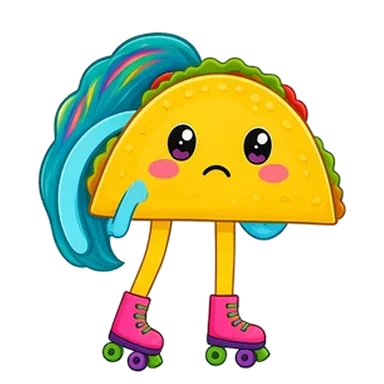
Skates everywhere
Warm, playful and always on your side. Taco cheers for every sip of water and will happily skate a lap while you stretch.
“Psst, friend, a few sips of water? I will sip with you! 💧”

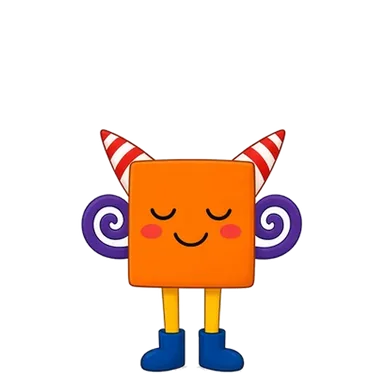

Hops around
Silly, a little unhinged, never mean. Square’s reminders are jokes first, but they are always a real nudge to look after yourself.
“Your cells are turning into tiny raisins. Want to fix that with water? 💧”



Floats along
Calm, direct and quietly encouraging. No arms, no legs, just a very good hat and exactly the right nudge at the right time.
“Steady work needs steady water. Sip now? 💧”
How it works
Your chum lives on your desktop, gets on with its day, and checks in now and then. Friendly questions, never orders.

Water, stretching, resting your eyes and sitting up straight. Answer with a single Done ✓ (or Later) and get back to it.

Every chum has its own little break scenes and jokes, so a stretch break feels like a tiny show instead of a chore.

One quick question: are you mostly at your desk, away a lot, or doing focus sessions? Reminders fit the way you work.

Original lo-fi tracks plus a mixer for rain, café and brown noise. Works offline, no account, no daily limit.

Stays quiet during calls and Focus, then gives you one short catch-up afterwards instead of a pile of pop-ups.

Healthy habits earn stars you can spend on accessories in a merch-style shop for your chum. No real-money in-app purchases.

Today’s top 3, focus presets, notes, a clipboard shelf, calendar heads-ups and Search my Mac. Off by default: switch them on only if you want them.
Runs on your Mac. No account, no tracking. The weather is the only thing that goes online. Privacy details
Our story

My daughter has loved arts and crafts since she was two years old, and she has never stopped. It’s her passion.
One day she drew three little characters, Taco, Square, and Cap, then looked up at me and asked, “Can you animate them and bring them to life?”
I work in IT and have always loved design, so I said yes. Doodlechums is the result: a little wellness companion that lives on your desktop, reminds you to drink water, stretch, and take breaks, and lets me see my daughter’s drawings even while I’m at work.
Now we’d love to share them with you, and with everyone who shares that same passion for making things.
A little clip
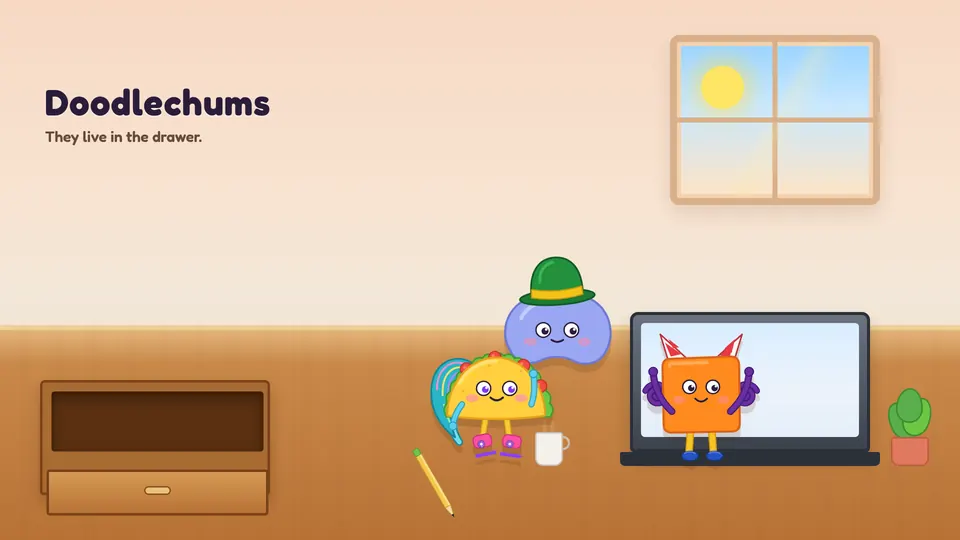
Here’s a short animation of Taco, Square and Cap starting the day. They climb out of a desk drawer on a sunny morning, have a look around, and settle in around the laptop.
A sip of water here, a stretch there: the kind of company they keep once they live on your Mac.
Beta
Doodlechums needs macOS 13 Ventura or later. There are two separate downloads: one for Apple Silicon (M1 and newer) and one for Intel Macs. Send a quick email and we’ll share the beta with you directly. Tell us which Mac you have if you know.
Join the betaNot sure which Mac you have? Apple menu → About This Mac. If you see “Chip”, that’s Apple Silicon; if you see “Processor”, that’s Intel.
Coming later
No dates yet, just plans. Beta feedback decides what comes first.
A polished, signed version of Doodlechums for everyone, once the beta has done its job.
New friends from new drawings. The sketchbook is never really finished.
Real-life versions of the chums’ accessories, and a place for chum fans to hang out.
FAQ
Yes. The beta is free for friends and testers. In return we’d love your honest feedback, by email to feedback@doodlechums.com or with the Send feedback button in the app.
Doodlechums runs on your Mac. There’s no account, no analytics and no tracking. The only thing that goes online is the weather: the city you choose is sent to a weather service to get a forecast. Calendar, clipboard and search features are off by default and stay on your Mac. Read the privacy page for the details.
For now, yes: macOS 13 Ventura or later, on Apple Silicon and Intel Macs. Windows might come later. Phone apps aren’t planned yet.
Doodlechums needs macOS 13 Ventura or later. There are two separate builds: one for Apple Silicon (M1, M2, M3, M4 and newer) and one for Intel Macs. To check which you have, open the Apple menu and choose About This Mac. If you see “Chip”, that’s Apple Silicon; if you see “Processor”, that’s Intel. It isn’t on Windows or phones yet.
The beta isn’t signed with an Apple developer certificate yet, so macOS can’t check who made it. The first time, right-click (or Control-click) Doodlechums in Applications and choose Open, then confirm. After that it opens normally.
Doodlechums is a small family project. A daughter who loves arts and crafts drew Taco, Square and Cap, and asked her parent to animate them and bring them to life. Her parent, who works in IT and loves design, built the app so they could see her drawings even while at work. No big company, just a lot of love and a few too many stickers.